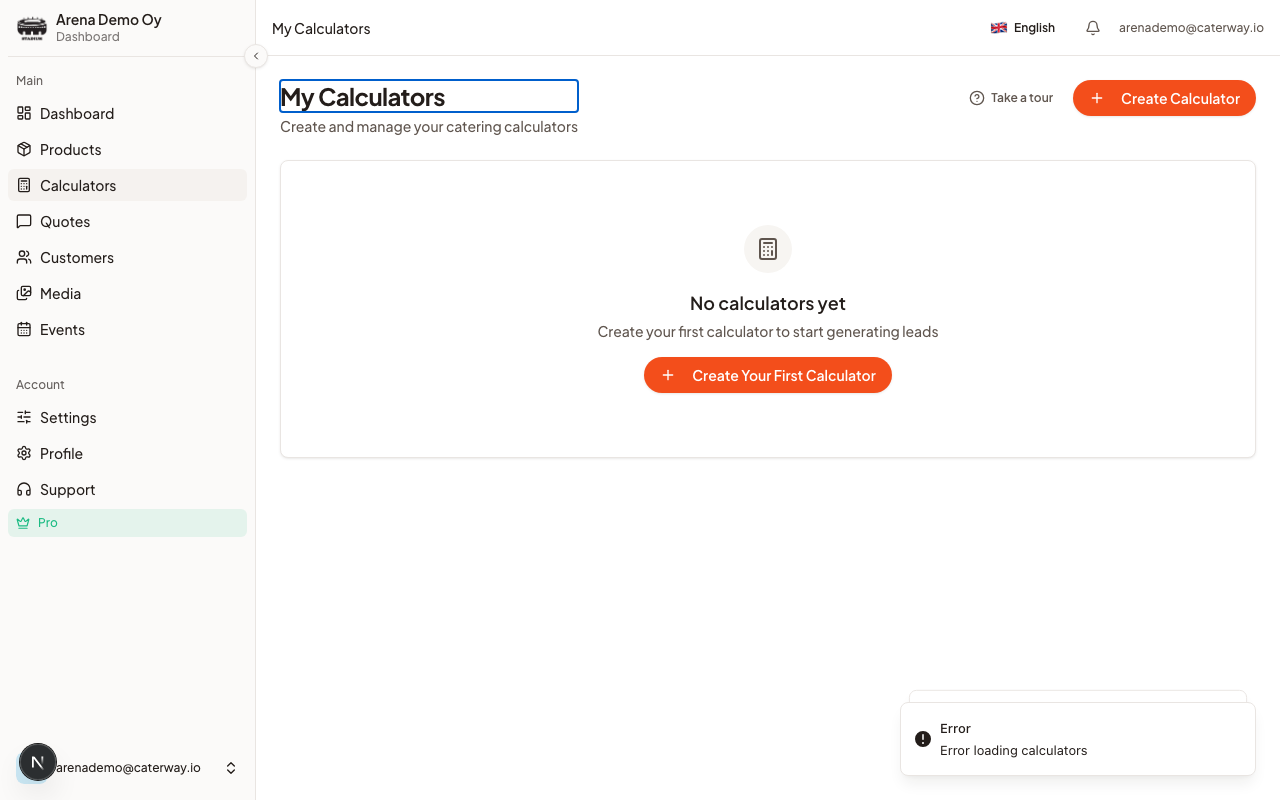
A calculator is the embeddable quote widget your customers use, they pick products, adjust guest count, and submit a request. Everything about how it looks and behaves lives in My Calculators → Edit, which opens the Builder.
Good to know
Free accounts get 1 calculator. Need a second one for a different venue or brand? Pro removes the limit.
The tabs
The Builder splits into groups. On desktop they sit in a two-tier bar; on mobile and tablet it's a dropdown.
- Basic: name, custom instructions, guest count limits, language
- Design: the calculator style (Classic, Modern, or Menu card), brand colors for this calculator, price display mode, and layout options like grid, card size, fonts and logo, with a live preview
- Items: which categories and products this calculator offers (with Rules and Quantities as sub-tabs for selection limits and per-product min/max order sizes)
- Form: the request form fields customers fill in, plus Popups for extra questions between steps
- Arena (Pro): Arena Events and Spaces, for calculators tied to venue bookings
- More: Availability, Email, and Embed & QR (your embed code, direct link, and QR code)
Publishing
Save Draft saves your changes without making them public. Publish (or Update, once published) makes the calculator live at its embed URL. You can also flip a calculator between published and draft from the My Calculators list itself, no need to open the Builder.How it's performing
Each card on My Calculators shows a running total: *N quote requests · X% accepted*. It's a quick read on which calculator is actually converting, useful once you're running more than one.
Was this article helpful?